Welcome to PC Tips from Sonoma Tech Support! I've been helping regular people get the most out of their computers since 2007, and I've picked up a few tricks along the way. These aren't your boring, dry IT manual entries — these are real tips that actually make your day easier. Whether you're on Windows, a Mac, or just curious about the AI stuff everyone's talking about, there's something here for you.
Restart Fixes More Than You Think
I know, I know — you've heard this one before. But seriously, a full Restart (not just closing the lid) clears out a lot of gremlins. Windows installs updates, flushes memory, and resets background processes. If something's acting weird, restart first and ask questions later. It solves about 40% of the calls I get before I even remote in.
Use Windows + V to Unlock Your Clipboard History
Did you know Windows has a clipboard that remembers the last 25 things you copied? Press Windows key + V and a little panel pops up with everything you've copied recently. It's a game-changer if you're doing repetitive copy-paste tasks. You'll need to turn it on the first time, but after that — pure magic.
Spotlight Search Is Your Best Friend
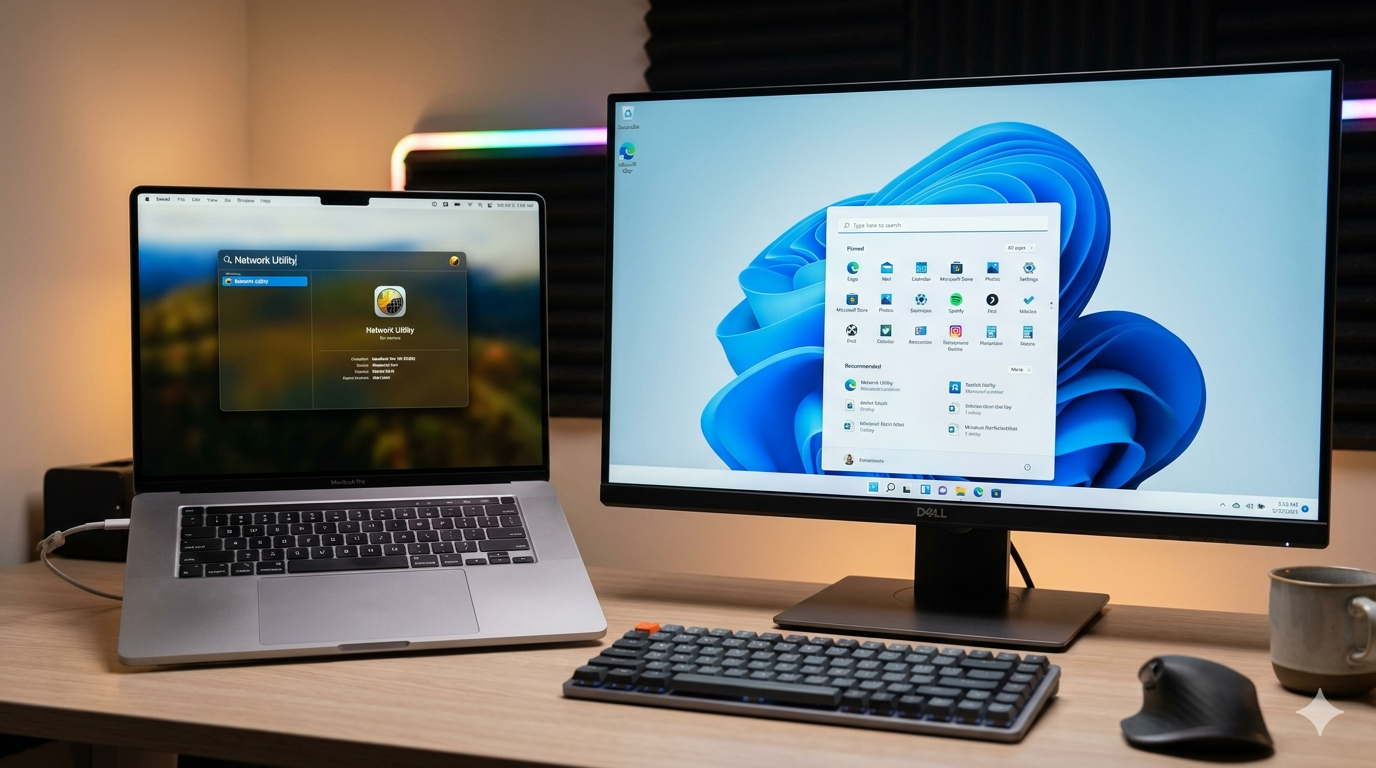
On a Mac, press Command + Spacebar and start typing — anything. Files, apps, emails, calculator math, unit conversions, even weather. Spotlight is basically a superpower that most Mac users ignore. If you're still double-clicking your way through Finder folders to find stuff, stop — you're working too hard.
Stop Ignoring Those Update Notifications
Updates aren't just about new features — most of them are security patches that protect you from hackers and malware. Clicking "Remind Me Later" every single day for six months is how people end up calling me in a panic. Set aside 10 minutes once a week, let the updates install, and restart. Your computer will thank you. So will your bank account.
Task Manager Is Your Computer's Pulse Check
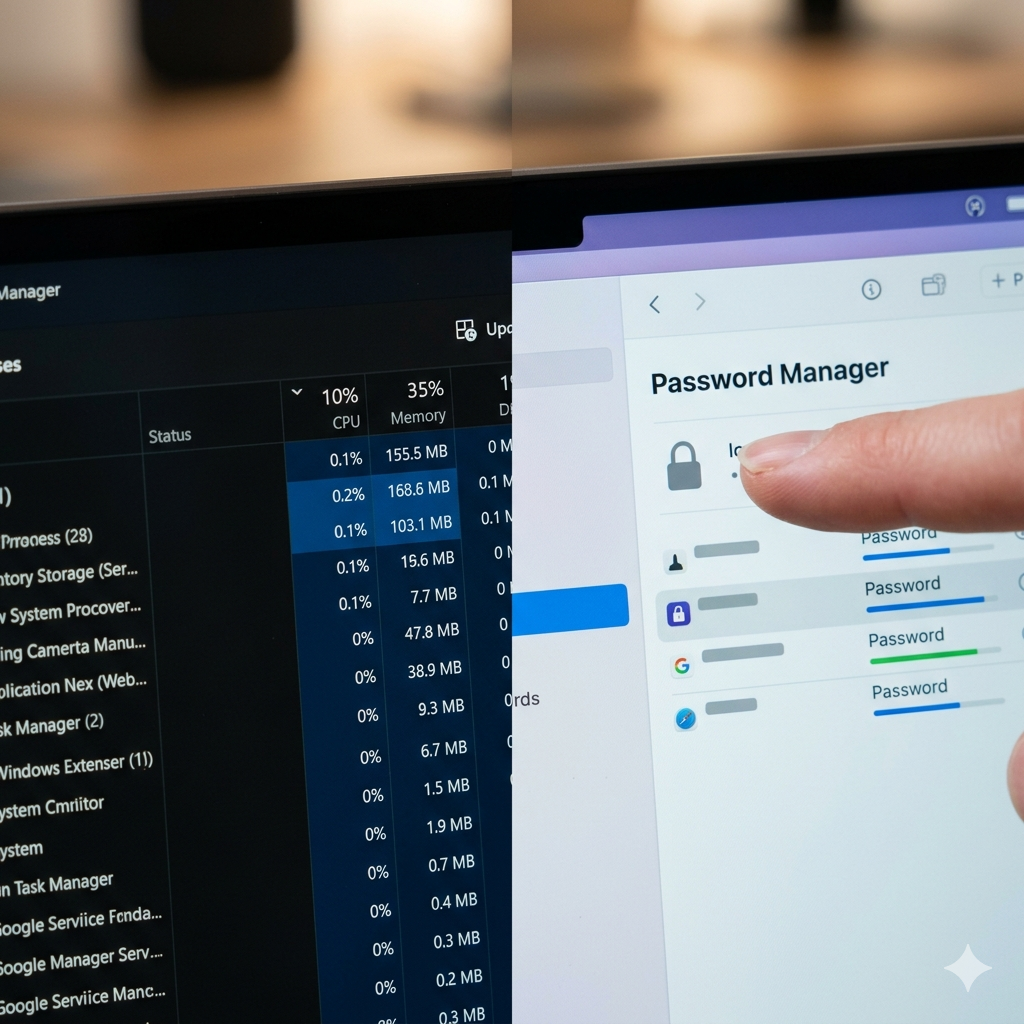
If your PC feels slow and sluggish, press Ctrl + Shift + Esc to open Task Manager and click the "CPU" or "Memory" column to sort by usage. You'll instantly see what's hogging your resources. Sometimes it's a browser with 47 tabs open (you know who you are). Sometimes it's a program you didn't even know was running. Knowledge is power — and speed.
AirDrop Is the Easiest File Transfer You're Not Using
If you have a Mac and an iPhone (or iPad), AirDrop lets you wirelessly beam photos, documents, and files between them instantly — no cables, no email, no cloud required. On your iPhone, tap the Share button on any photo and look for AirDrop. On a Mac, it's in Finder's sidebar. Once you use it, you'll wonder how you survived without it.
A Password Manager Will Change Your Life
Using the same password everywhere is like using one key for your house, car, office, and safe deposit box. When one gets stolen, they all get stolen. A good password manager like Bitwarden (free!) or 1Password generates strong unique passwords and remembers them for you. You only need to remember one master password. It's the single best thing you can do for your online security — and I can help you set it up.
ChatGPT & Claude Aren't Just for Nerds
AI tools like ChatGPT and Claude are genuinely useful for regular people right now. Need to write a professional email but don't know how to start? Ask. Want to understand a confusing bill or contract? Paste it in and ask for a plain-English explanation. Trying to plan a trip? It'll help. Think of it like a really smart assistant who's available 24/7 and never judges your questions. I can even walk you through getting started — it's one of my favorite things to teach.
Back Up Your Stuff. Seriously. Today.
Hard drives fail. Laptops get dropped, stolen, or caught in coffee-related accidents. If your photos, documents, and files only exist in one place, you're one bad day away from losing them forever. Set up Windows Backup or Time Machine on Mac, or use a cloud service like Backblaze (about $9/month for unlimited backup). A backup you never had to use is the best money you ever spent. A backup you wish you'd had is a much sadder story.